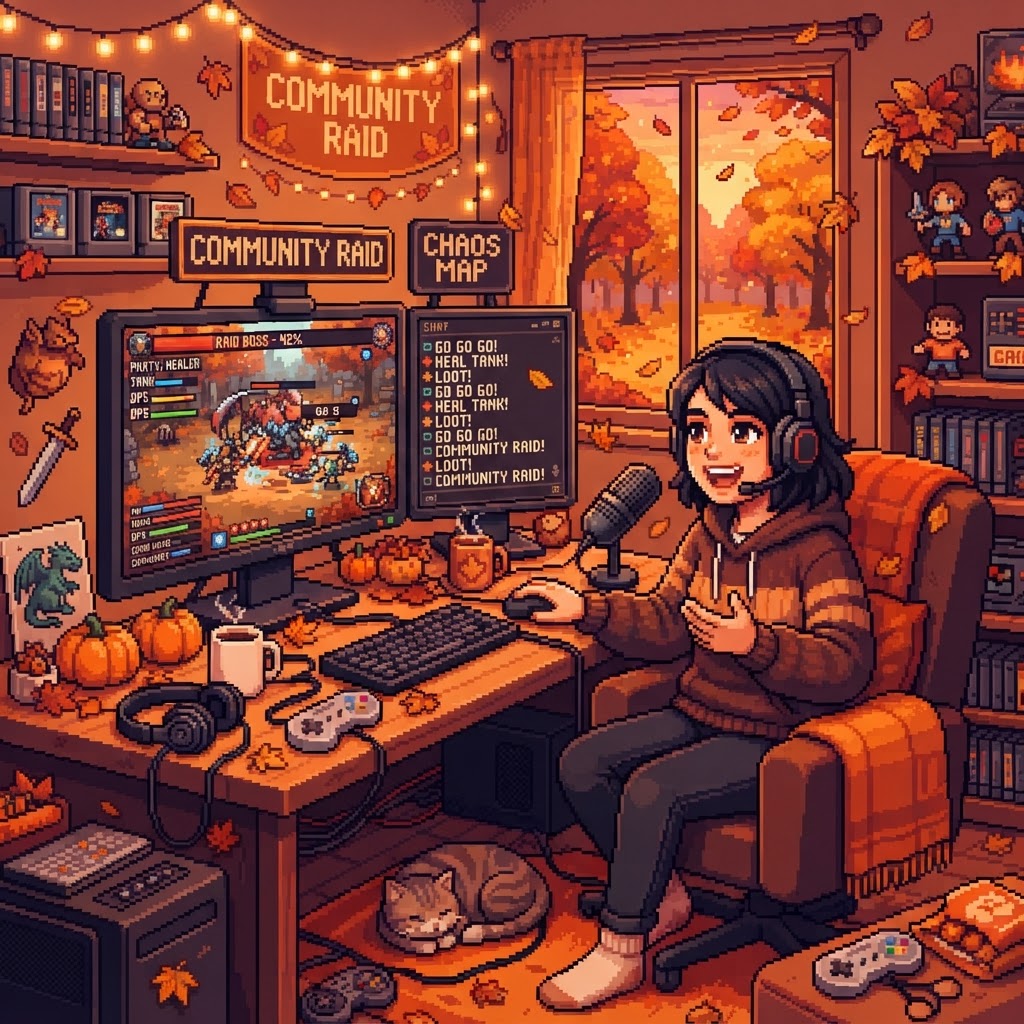
Mapping the Chaos of My First Community Raid
I walked through the chaos, the chat spams, and the exact OBS scenes that let me move 420 viewers into a partner’s stream. A practical, honest playbook for your first community raid, with step-by-step mechanics and human tips to lower the barrier to partnership.
I can still hear the double ping of my phone the minute I dropped the raid link into chat: frantic, excited, and slightly panicked. I had agreed to co-lead a community raid for the autumn streamer campaign, but I had never coordinated a multi-stream audience shift before. What I learned across that messy, electric night is that the technical logistics are simple, the timing matters, and the real value is the shared energy that turns a solo stream into a partnership opportunity.
The moment we committed
We scheduled a raid window for Saturday at 9:00 p.m. My part was to funnel my viewers into a partner’s live show at 9:15 p.m., after a short countdown and a branded intro. Concrete detail: we moved 420 viewers, and 58% stayed at least 10 minutes. That stat mattered because it proved engagement, not just spikes, and it made the partner comfortable talking about future collabs.
Here’s the step-by-step mechanical flow I used, with the human context that made each step feel less scary.
Step-by-step mechanical flow
- Pre-raid coordination, 48–72 hours out
- Confirm the target stream start time, final backup channel, and any content limits. Get the partner’s exact channel URL, preferred display name, and a one-liner intro they want read. I wrote that one-liner into a Google Doc, so I could copy it in one click.
- Set an invitation plan: will you drop a link, use a pinned comment, or rely on platform hosting? We agreed on a link in chat plus a pinned comment, because YouTube does not have Twitch’s built-in “raid” button.
- Create and test assets, 24 hours out
- OBS: make a dedicated “Raid” scene. Mine had: raid overlay, partner logo, a 30-second countdown video, and a soft fade to my “post-raid” interstitial. Save it as a scene collection, export it, and keep the file handy. Exporting saved me when I had to rebuild mid-stream.
- Chat script: prepare three messages, spaced by time, so you are not spamming. Example: "Raid starting in 10! Grab your snacks" at 9:05, "Link going live at 9:15" at 9:12, then the raid link at 9:15.
- Moderation: brief your mods. Give them one pinned message to post, and a short list of allowed commands. Tell them when to close polls, mute giveaways, and promote the raid.
- The final 15 minutes
- Transition schedule: announce blocks so viewers know what’s coming, for example, Q&A until 9:05, raid prep until 9:15. That sets expectations and reduces viewer drop.
- Technical check: ensure scene sources are named clearly, browser sources use exact URLs, local audio levels are good, and stream delay is consistent. I turn off any automatic scene switching, because surprises happen.
- Hitting send, and the immediate follow-through
- At 9:15, switch to the "Raid" scene, start the 30-second countdown, paste the raid link into chat, and speak the partner’s one-liner. Do this in that order: the visual cue focuses attention, the link is clickable, the intro humanizes the move.
- Mods pin the link once it’s posted. I asked them to post the link as a short URL and to pin a brief “be cool, be kind” note.
- The handoff
- If the partner sees the surge, they should welcome you, call out usernames, and invite your viewers to stick around. If they do not react, keep the energy: host on your channel for a minute, then cut to an interstitial with music and a promise to follow up.
- Track retention for 20 minutes. That’s your quick metric for whether the raid was an engagement success.
What went wrong, and what I learned
- We underestimated mobile users who could not see a pinned comment. Fix: always paste the link into live chat, and include a short, memorable text URL in the overlay.
- My countdown stuttered because one browser source used a heavy animation. Fix: use lighter overlays, or preload videos locally.
- The partner was new to accepting large spikes, and their chat froze. Fix: warn partners about moderation load, or have a backchannel mod to help.
Why this matters beyond the numbers
A raid is more than a view count, and raids are not just marketing stunts. The most lasting outcome from that night was a casual conversation between me and the partner after the stream, about a co-hosted series we later pitched to a brand. The raid made me look like a collaborator, not a solo creator chasing metrics. That shift in perception is what helps small-to-mid creators land partnerships.
Practical checklist to copy tonight
- Make a Raid scene in OBS, export it.
- Write three chat messages, time them, and save them in a notes app.
- Give mods one pinned script, and a simple escalation path for toxic chat.
- Test any animated overlays on the machine you will stream from, not just a test rig.
If you want my actual OBS scene file, and the two-line chat script I used to move 420 viewers, send me a reply or drop a comment below with your stream time and platform. I will share what I exported, and I will help you map the timing to your channel.
Ready to Join
the Raid?
Streamers earn points & rewards.
Brands get 3 months of real reach.